A GitHub userscript · v2.3.0
issues, but with giggles.
and shit.
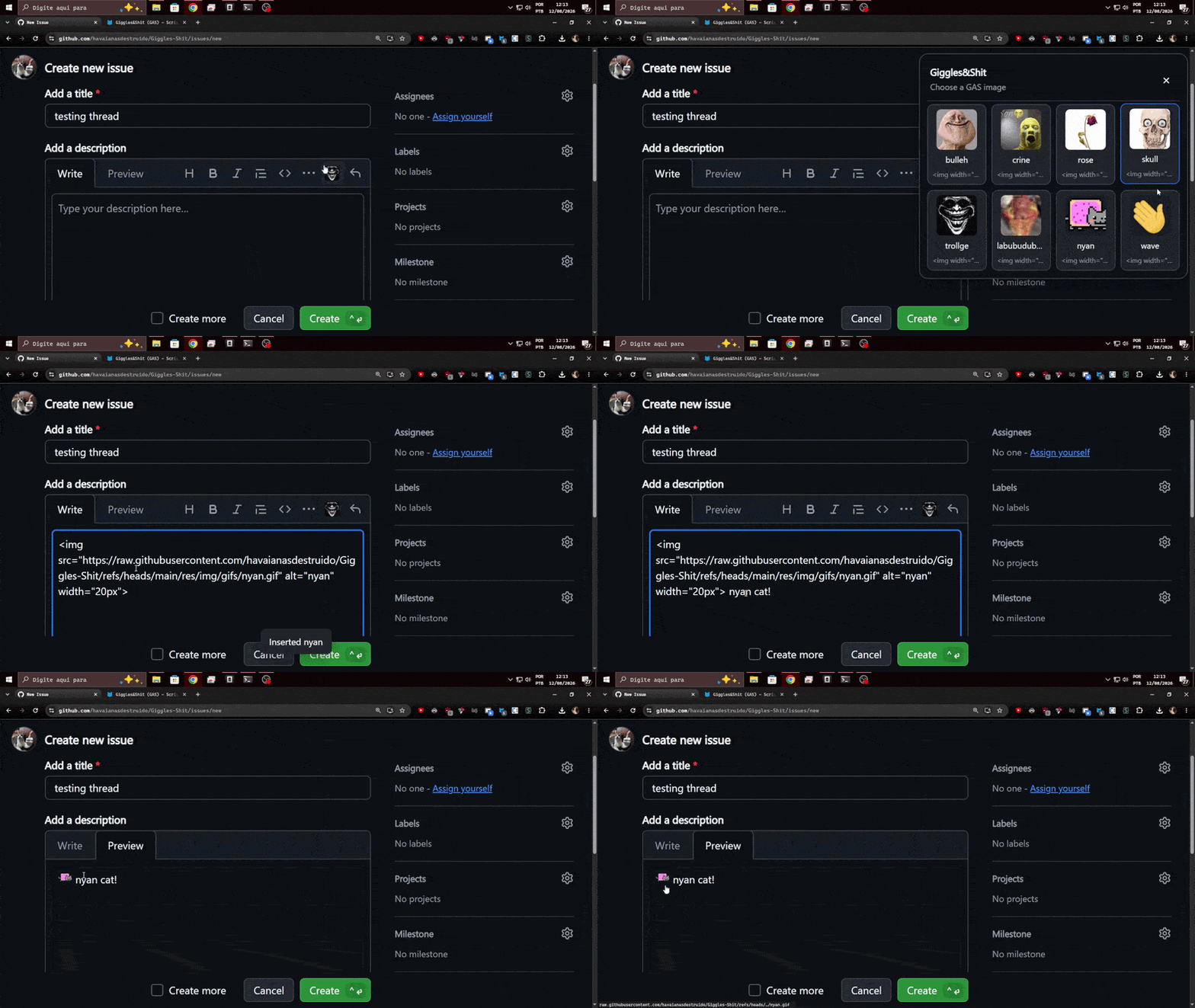
Giggles&Shit is a tiny userscript that adds a custom emoji & image picker to GitHub's markdown editors. One click on the trollge button, one click on a meme, and it's in your comment — rendered inline at 20px.
- Zero permissions — runs with
@grant none - No build step — one file, ~1,800 lines, vanilla JS
- SPA-ready — a MutationObserver keeps up with Turbo navigation
What does it do?
GAS watches every GitHub page for markdown editors, sneaks a button into their formatting
toolbar, and opens a floating picker with your emoji stash. Pick one and an
<img width="20px"> lands exactly at your cursor — whether the editor is a
plain textarea or a rich contenteditable.
🧰 Toolbar injection
A 20×20 trollge button appears at the end of GitHub's own formatting toolbar — issues, PRs, comments, reviews, the works.
🖼️ Built-in meme pack
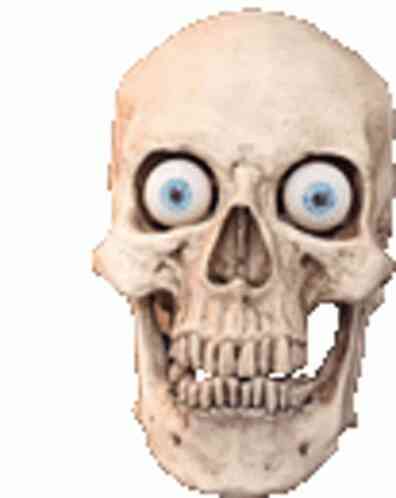
Ships with 84, boo, bulleh, crine, fire, hmm, rose, skull, trollge, wet, woah and yeah, lazy-loaded from the repo. Broken links just dim instead of exploding.
⚛️ React-safe insertion
Textarea values are written through the native setter + input/change events, so GitHub's controlled components don't eat your memes.
🔁 Keeps up with GitHub
GitHub is a single-page app. A debounced MutationObserver rescan finds editors added after the initial page load.
🫥 Polite UI
Esc, outside-click, scroll and resize all close the picker. A tiny toast confirms every insertion. Nothing lingers.
🛠️ Debuggable
Ships a console API: GAS.scan(), GAS.editors(), GAS.buttons(), GAS.testButton(). Bug reports write themselves.
The stock pack
Twelve handcrafted masterpieces ship out of the box. The repo stores more images and GIFs you can wire up yourself.








Install in three steps
Get a userscript manager
Tampermonkey, Violentmonkey, or Greasemonkey — anything that runs
.user.jsfiles.Install GAS
Open the raw script and click Install. No permissions required.
Open GitHub & meme
Find the trollge in any comment toolbar, click, pick, done.
Want the nitty-gritty?
Full codebase documentation — architecture, every internal function, the debug API, and how to add your own emoji — lives in the Docusaurus docs.
Open /docs →